Carshare and ridehail
Here's what this article covers:
Enable carshare and ridehail services
In some cities, it’s possible to access carshare and ridehail services in Transit.
If you don’t see any carshare or ridehail options in Transit, you may have to enable it in your profile page.
-
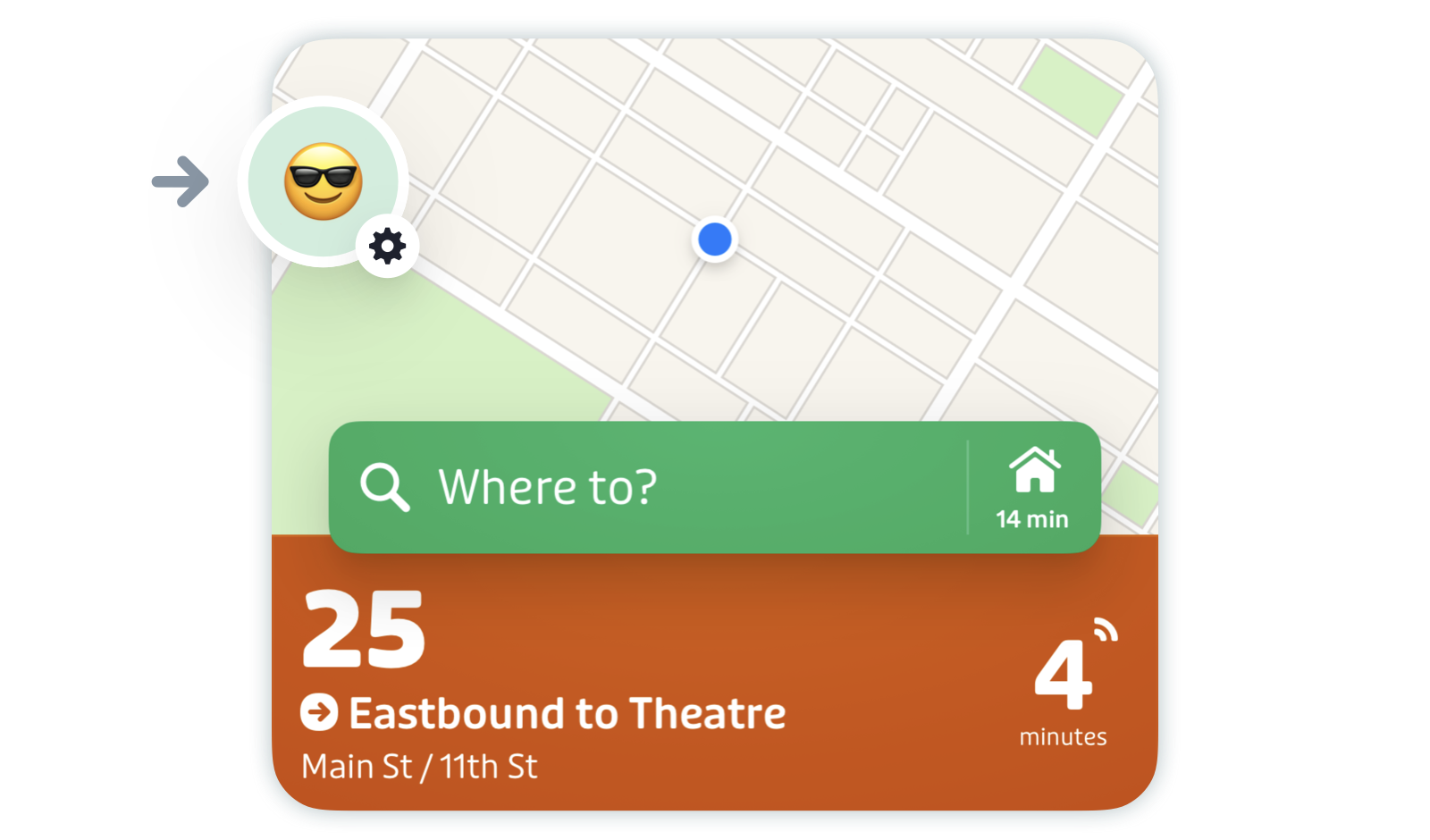
Tap the gear icon in the top left of the main screen.
-
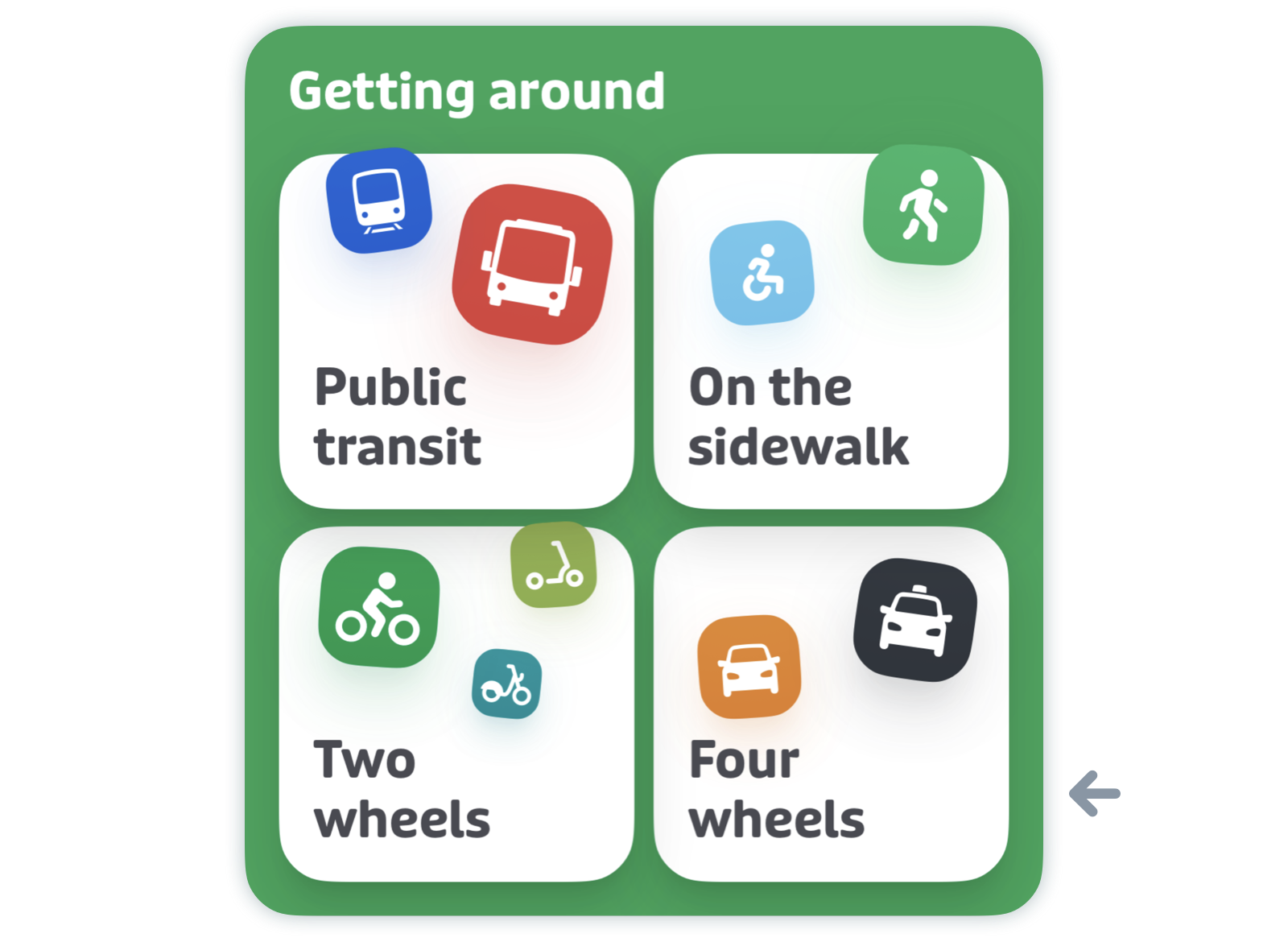
Scroll down to "Getting around" and tap "Four wheels".
-
Tap the checkbox next to any services you’re interested in using.
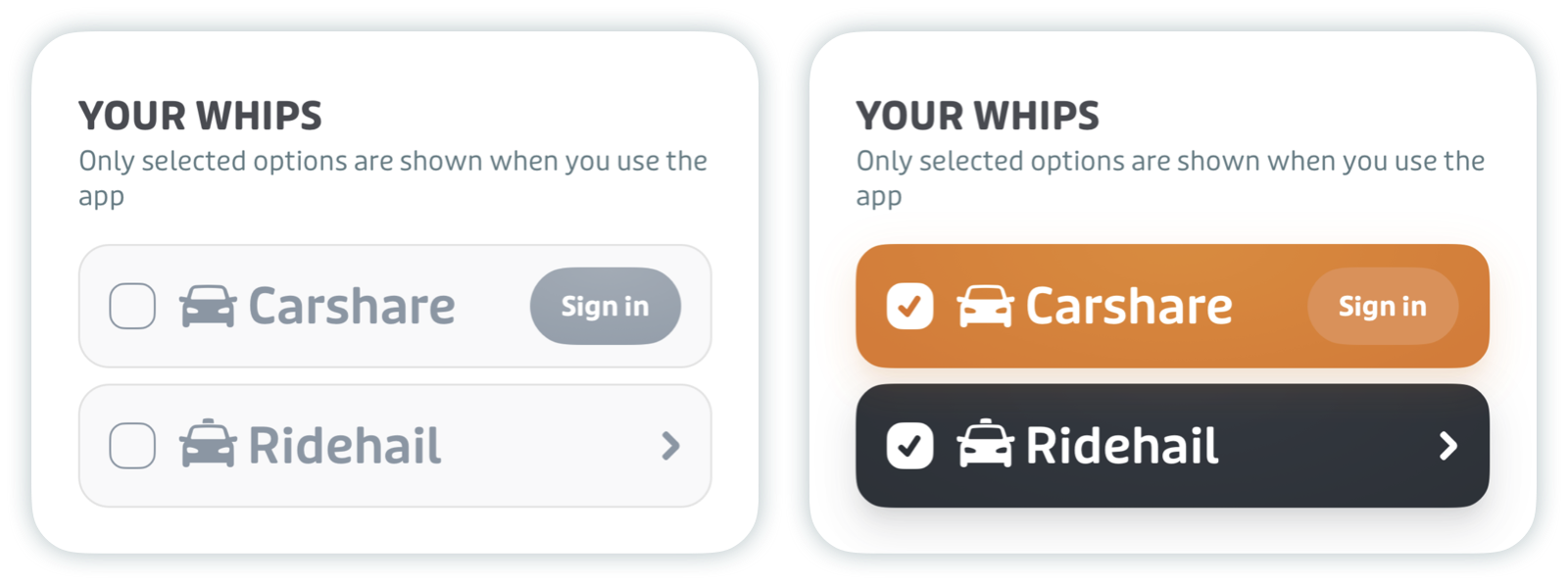
If there are no carshare or ridehail services available in your region, no options will appear after tapping "Four wheels".
Carshare
Locate and reserve carshare vehicles
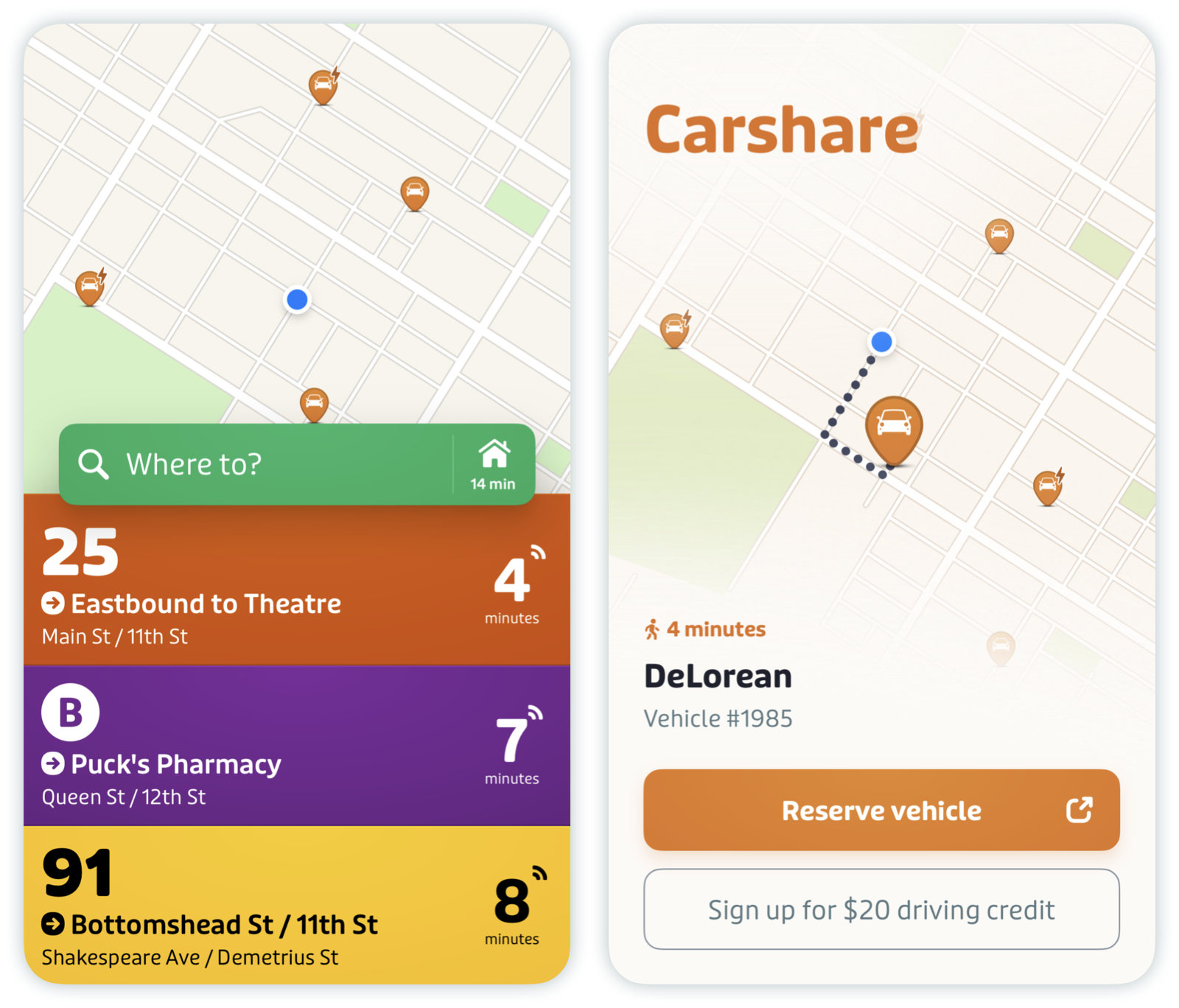
Pins on the map indicate the locations of nearby carshare vehicles. A lightning icon on the right of the pin indicates if the vehicle is electric.
Tap the pin for more information about each vehicle. Depending on the carshare system in your area, you can see details like walking distance, battery level (for electric cars only) and availability.
If you’d like to reserve a vehicle, tap "Reserve vehicle". You’ll then be redirected to the carshare operator’s app to finalize the reservation.
Ridehail
In a few select cities, it’s possible to order a ride directly from the main screen.
Order a ride from the trip planner
Plan a trip and tap any trip plan with ridehail to see more details and pick the service you’d like to book.
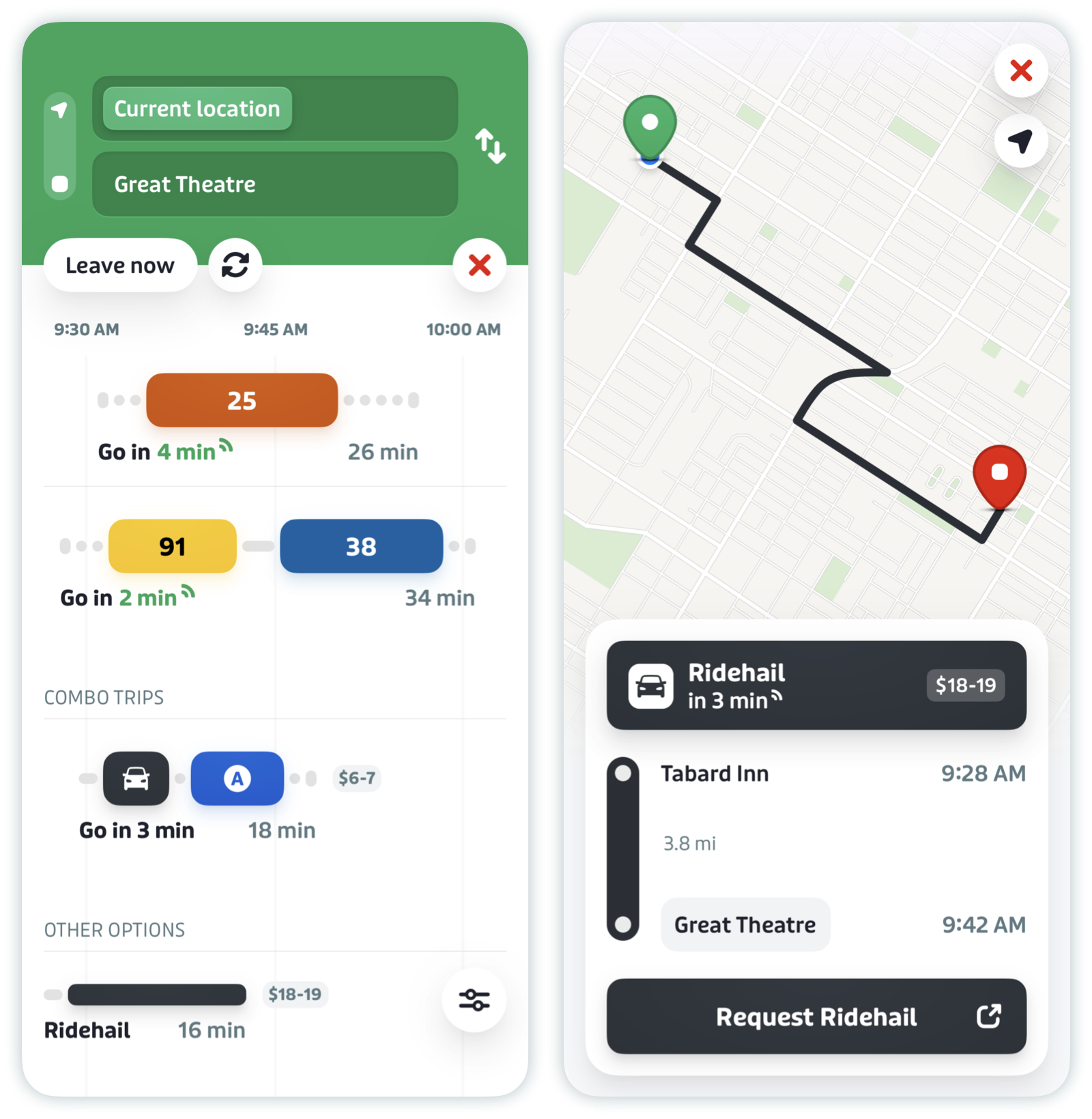
Tap "Request [Operator]" to confirm your ride.
Pro tip: Our multimodal trip planner, Combo trips, can help you find trips that combine ridehail with public transport, when it believes a multimodal option can save you time on your journey.